Having trouble logging in to your FreeCast account?
Just select the option below that most relates to your issue.
Verify your email
- The email verification process is in place to prevent fraudulent accounts, and to ensure that your FreeCast account is secure, and only accessible by you.
If you don't verify your email within 72 hours of registering an account, you will receive a message like you see in the image below.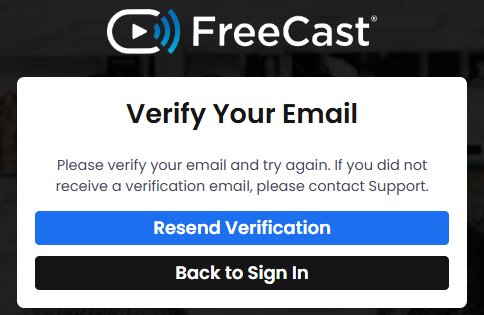
- In this case, just click the Resend Verification button to send the verification email to the email address you registered your FreeCast account under. You should then receive an email with the subject line "You're Almost There".

- Open this email and then click the blue Verify Your Email button to complete the account verification.
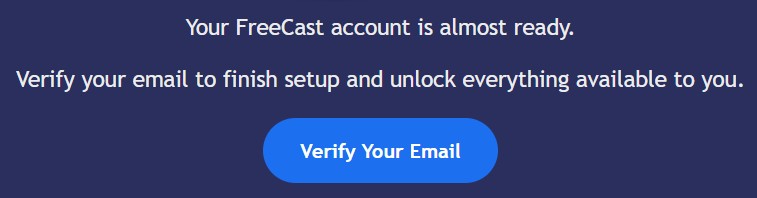
- If you're not seeing the verification email in the inbox for your registered email address even after resending it, first be sure to check your Spam and Junk folders, in case it ended up there.
If the email also isn't appearing in your spam or junk folders, or if you're receiving any errors when attempting to complete the email verification, please contact our Live Support Team by clicking the live chat widget in the bottom-right or left-hand corner of your screen (see image below).
"No active account found"
If you're receiving an error message stating "No active account found" when attempting to log into FreeCast, it likely means the username/email or password is not being entered correctly.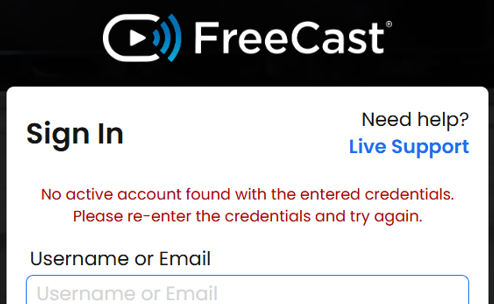
- First, let's make sure you're in the right place when attempting to log into your FreeCast account. Just follow this link to reach the FreeCast members site - https://watch.freecast.com
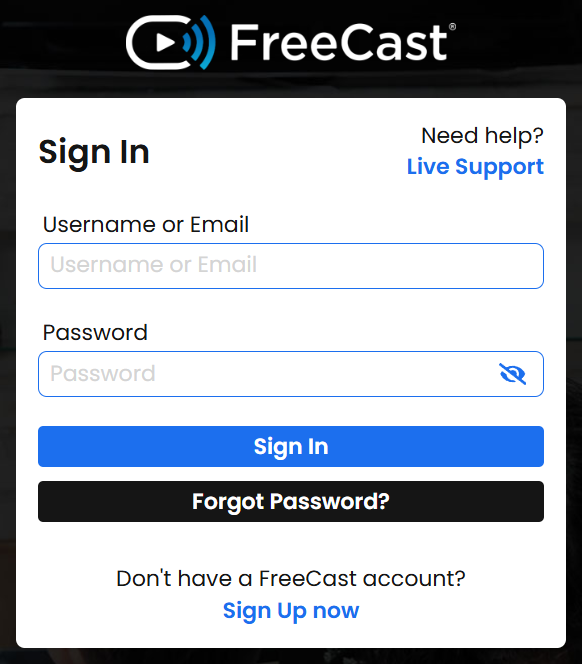
- If you're in the right place, but are still receiving the same error message, we recommend resetting your password through the following link, which can also be found on the FreeCast members login page. - https://watch.freecast.com/members/password/reset/
(Also be sure to check your Spam and Junk folders, if you don't see the password reset email in your main inbox)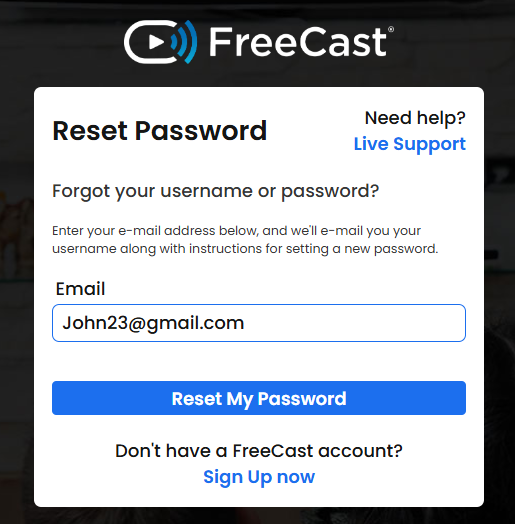
- If you already registered a FreeCast account in the past and think it may be under a different email address, please contact our Live Support Team by clicking the live chat widget in the bottom-right or left-hand corner of your screen (see image below) .
Not yet registered
- If you haven't already registered a FreeCast account, just follow the link below to get started for free!
https://www.freecast.com/register
Was this article helpful?
That’s Great!
Thank you for your feedback
Sorry! We couldn't be helpful
Thank you for your feedback
Feedback sent
We appreciate your effort and will try to fix the article