Curiosity Stream VOD
Learn everything you need to know about the Curiosity Stream VOD package on FreeCast through the FAQ below.
What's included in the Curiosity Stream package
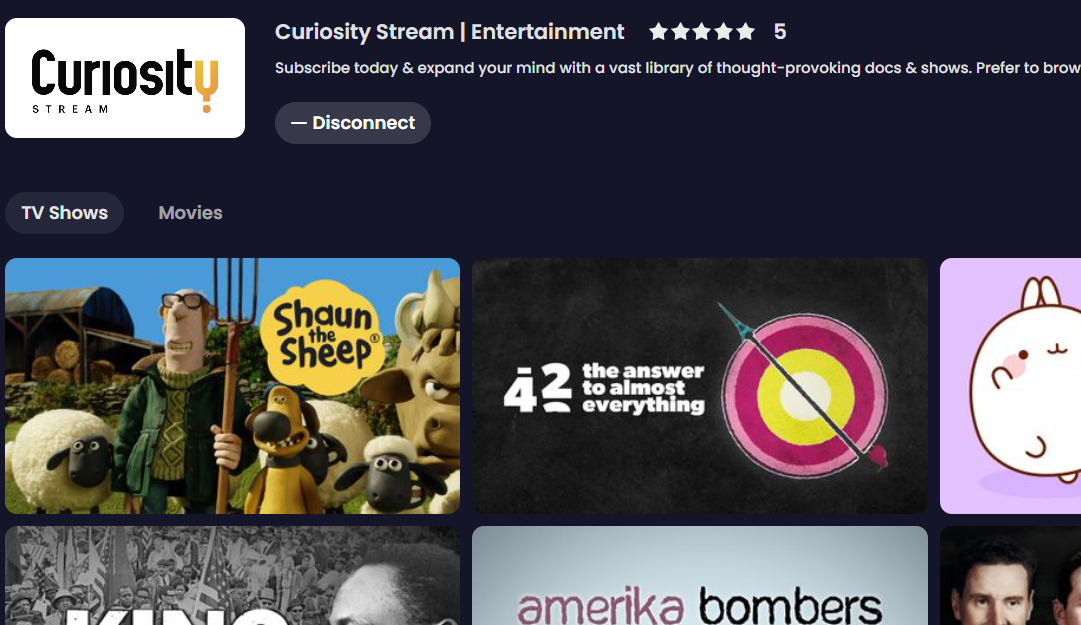
The Curiosity Stream addon includes thousands of on-demand titles (documentaries, educational content, award-winning exclusives and originals), all available commercial-free.

How much is the Curiosity Stream package?
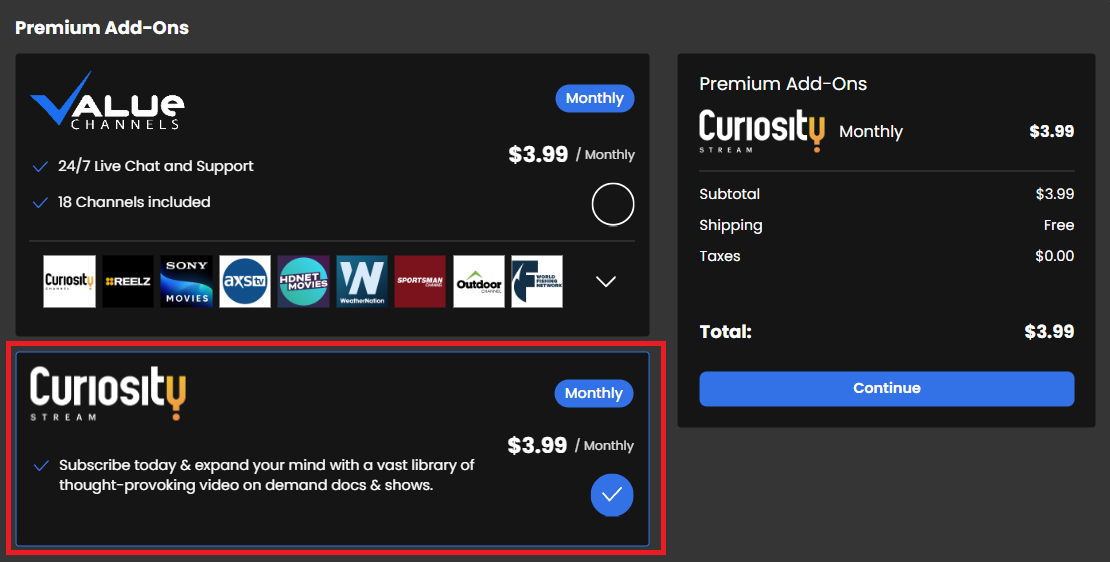
You can purchase the Curiosity Stream package for just $3.99/month.
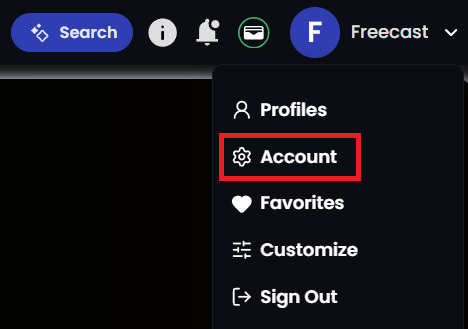
- Log in to your account from a desktop or laptop and select your profile icon in the top-right corner of the screen > Select Account .
- From this page you can edit your Subscription Details and elect to add or remove the Curiosity Stream package.
Where can I find Curiosity Stream content after subscribing?
On a Computer or Laptop
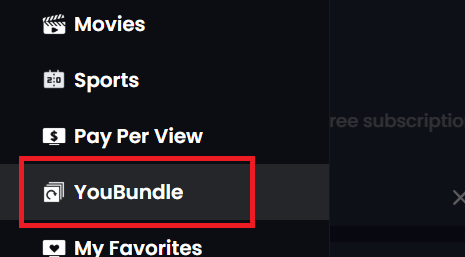
- Open the left-side menu and select YouBundle.
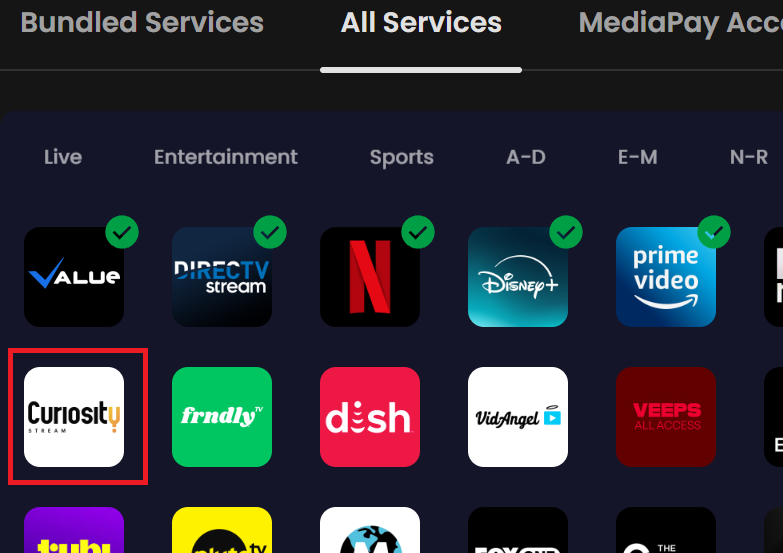
- Click on the All Services tab at the top of the YouBundle page. Then select Curiosity Stream from the list of providers that appears.
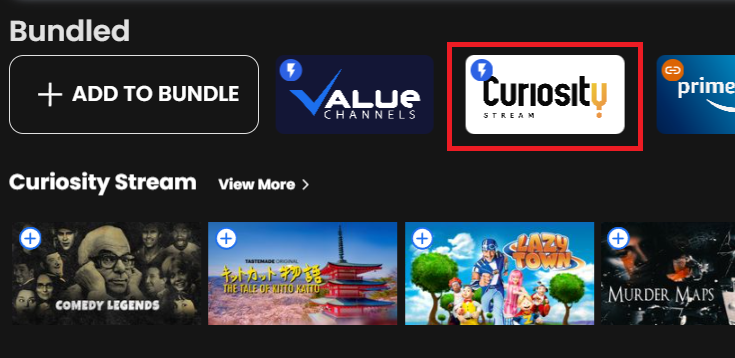
- Navigate to the TV Shows and Movies sections to then see Curisosity Stream content featured near the top of those pages, just below the content slider.
On a Smartphone or Tablet
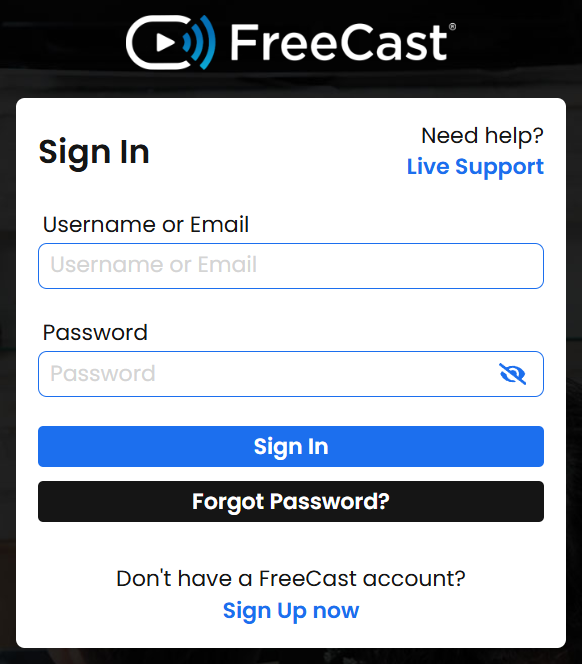
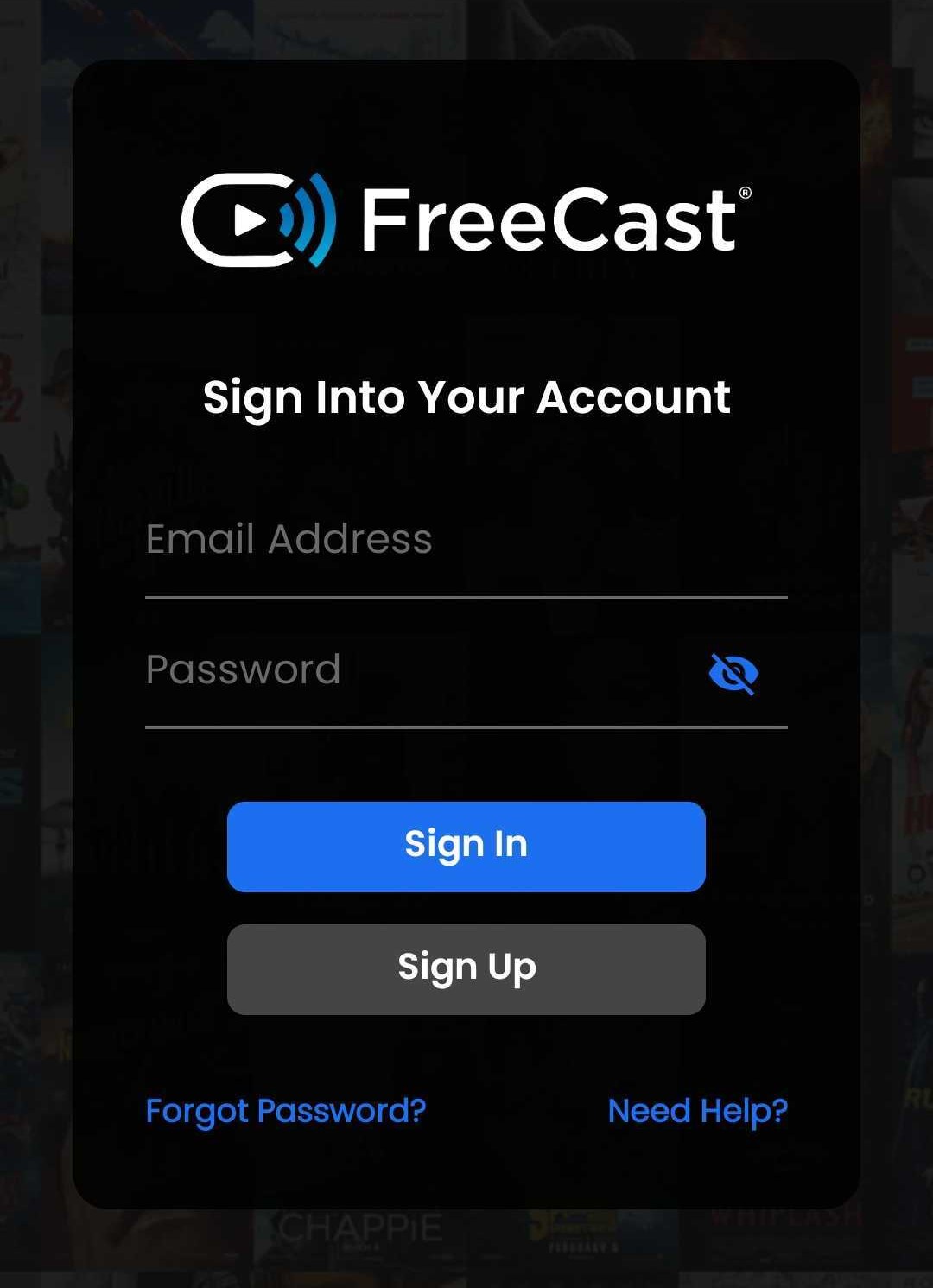
- Log in to the FreeCast app on your Android or iOS device.
- Once the Curiosity Stream has been added to your YouBundle, you should see the package appear in your Bundled list on the FreeCast homepage.
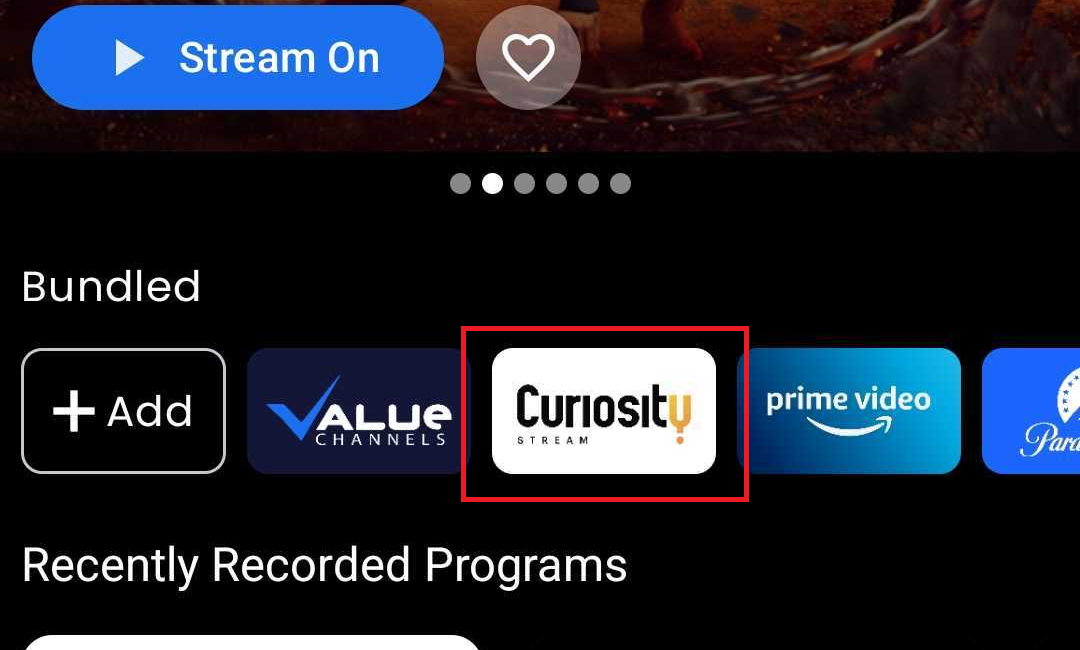
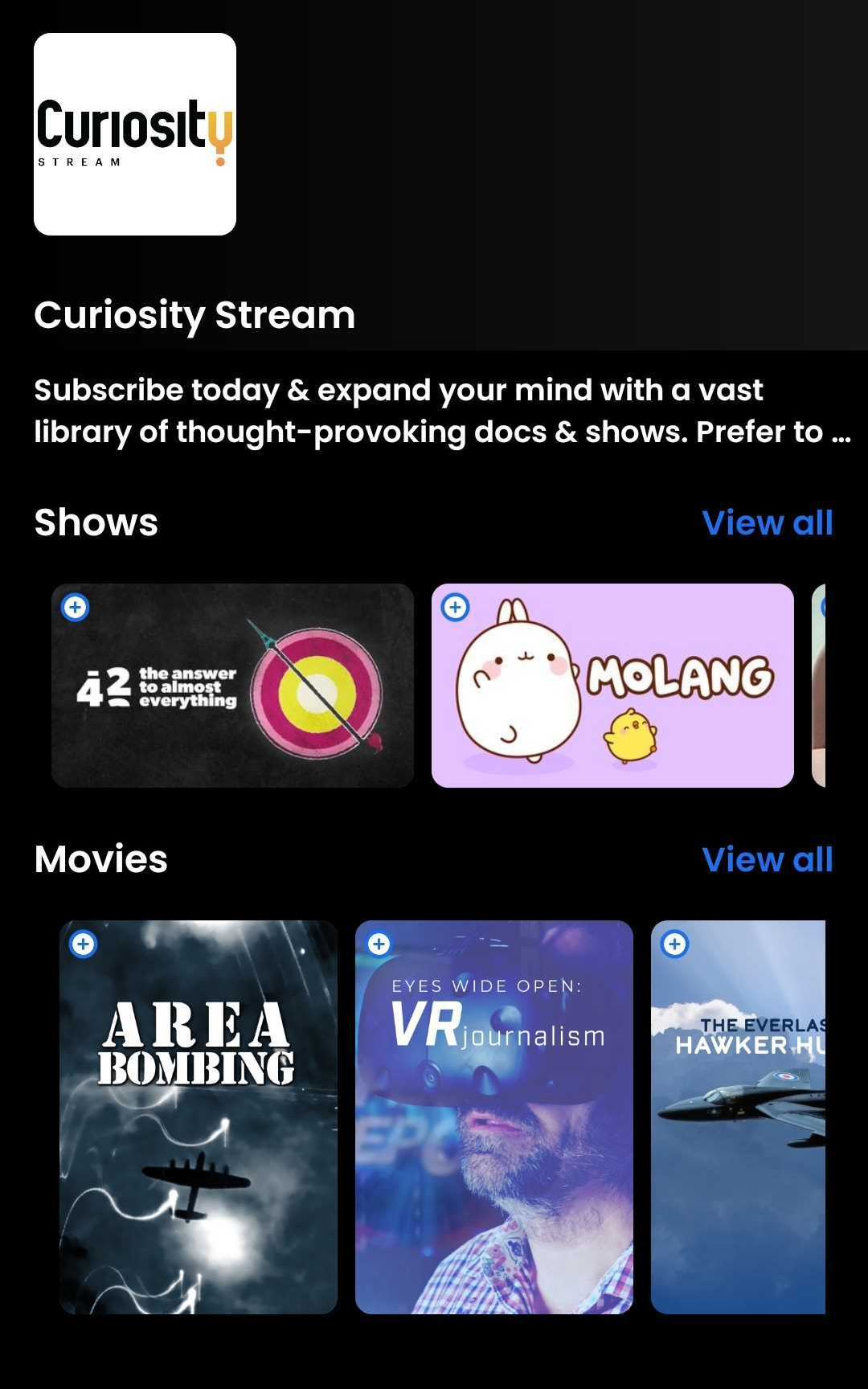
- Select Curiosity Stream from the list of bundled services to get taken to the Curiosity Stream on-demand page, which will list their available TV shows and movies on-demand.
On a Smart TV or Streaming Device
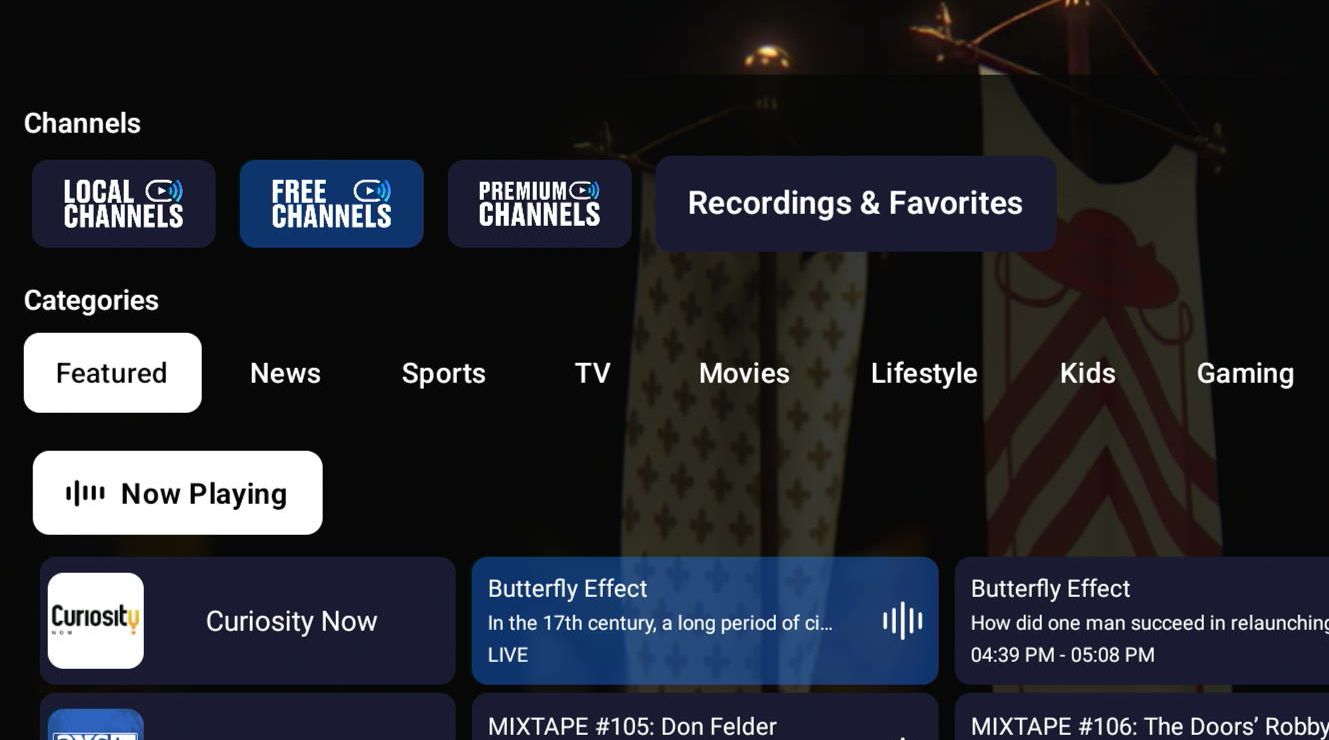
- After logging in to the FreeCast app on your TV, you should arrive at the Channels section.
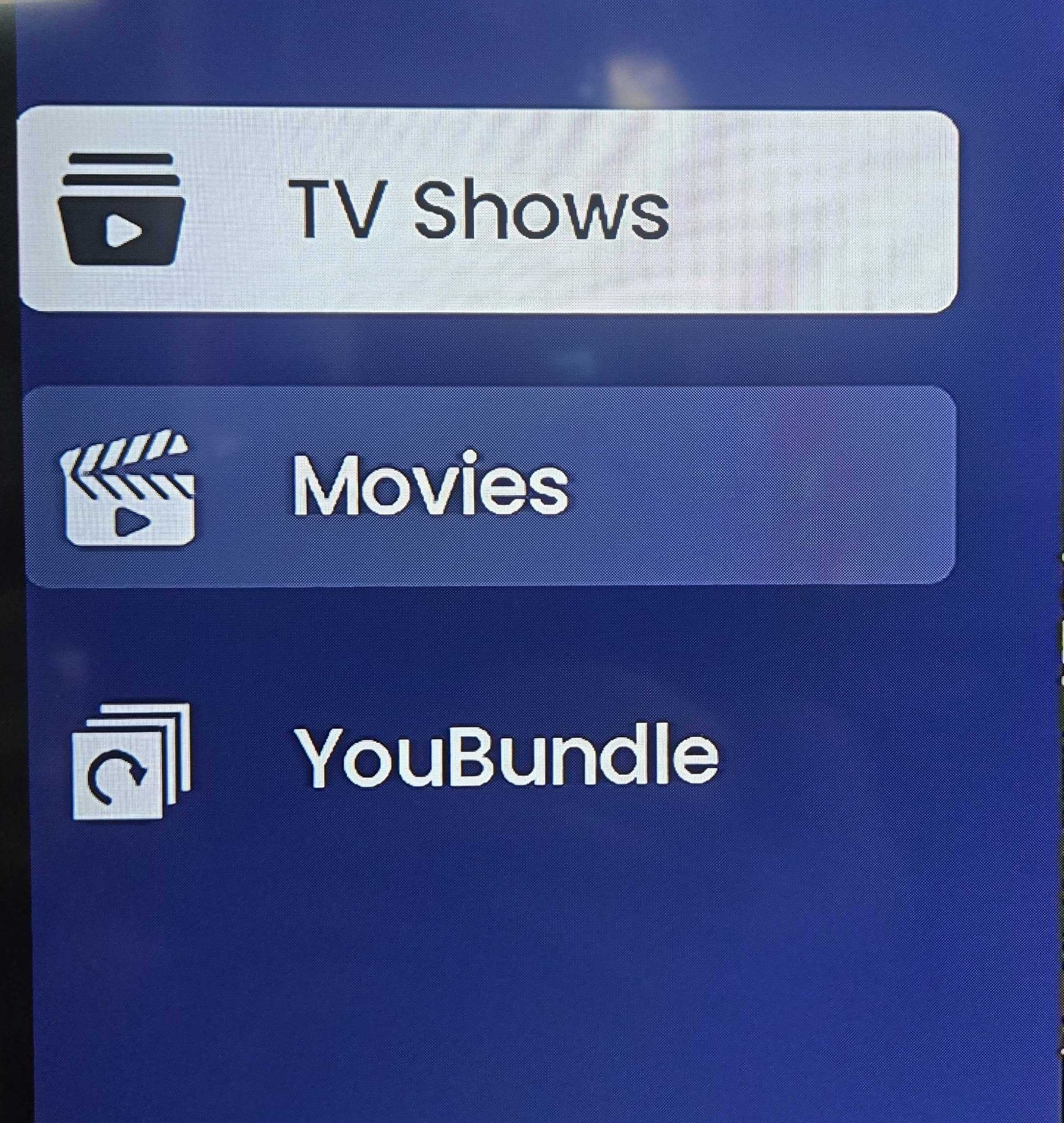
- Navigate to the left side menu and select TV Shows or Movies.
- The Curiosity Stream package will then appear in your list of Bundled services, in addition to a Curiosity Stream content carousel being featured near the top of the TV Shows and Movies pages.
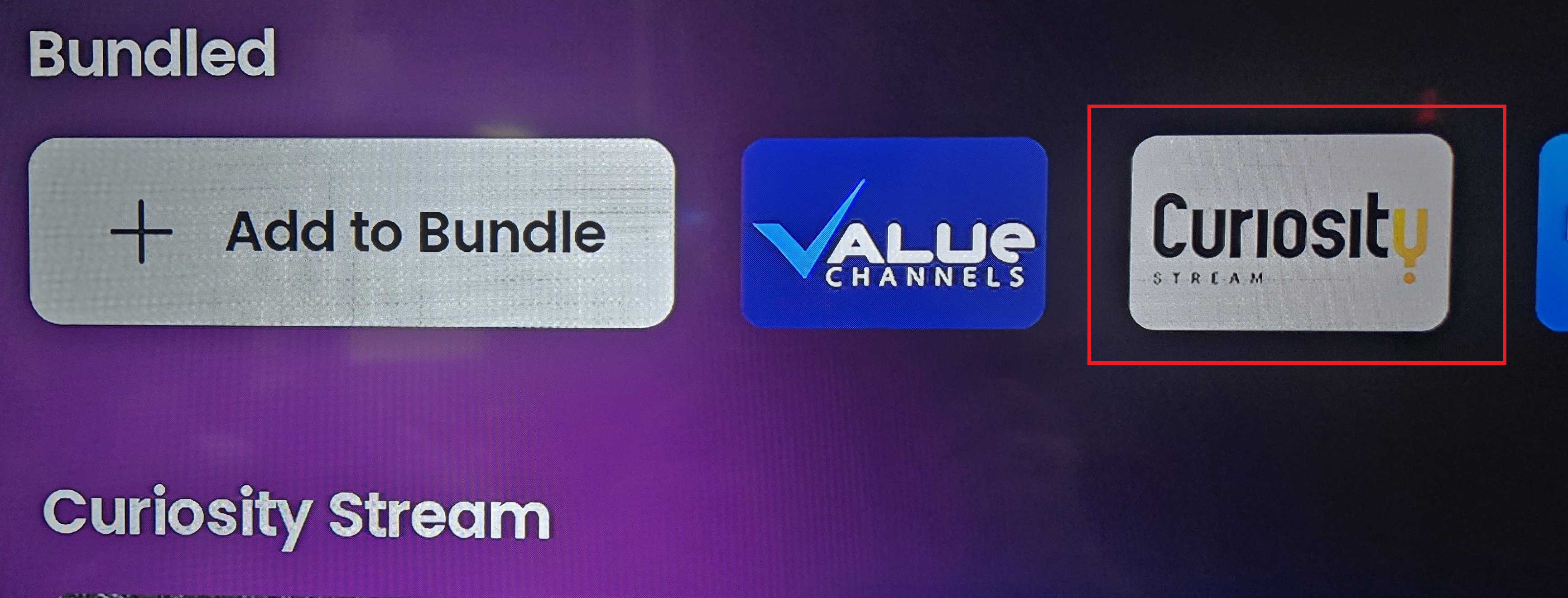
- Select the Curiosity Stream package from the Bundled section, then click Browse to view the full list of Curiosity Stream TV show and movie titles available.
Was this article helpful?
That’s Great!
Thank you for your feedback
Sorry! We couldn't be helpful
Thank you for your feedback
Feedback sent
We appreciate your effort and will try to fix the article